Tag Archives: st louis video crews

Proven Ways Service Businesses Cut Video Costs—Without Cutting Quality

As a seasoned professional in commercial video and photography, I understand that investing in high-quality visual content is crucial for service businesses to stand out. However, I also recognize that budget constraints are a primary concern for many decision-makers. The good news is that strategic planning and smart execution can significantly reduce the costs of your video shoots without compromising the final product’s quality or impact.

Here are the top, expert-vetted strategies for service businesses to save money on video production:


1. Maximize Location Efficiency: Group Shoots and Location Scouting

One of the largest variables in video production costs is the time spent on location. Minimize this by adopting a disciplined approach:

  • Batch Content Production: Instead of planning multiple separate shoots for different needs (website, social media, internal training), plan one or two comprehensive shoot days. Group interviews, B-roll, and employee testimonials together. This saves on crew travel time, setup/teardown, and equipment rental days.
  • Strategic Location Selection: Prioritize locations that are visually rich and require minimal dressing or lighting modification. Utilizing your existing office, facility, or a client-friendly space can eliminate expensive location fees. Conduct thorough scouting beforehand to ensure the location is quiet and conducive to professional sound recording.
  • Permit Prudence: Know when a permit is truly necessary. Shooting on private property (with permission) is often free. Public spaces, however, can incur costs. A quick, guerrilla-style shoot may be possible for brief B-roll, but be mindful of professional regulations.
2. Streamline Pre-Production: Planning is the Ultimate Cost-Saver

The time spent in planning directly translates to time (and money) saved on set.

  • Detailed Storyboarding and Shot Lists: A complete, approved shot list and storyboard are your map. They prevent costly delays on set due to confusion or last-minute creative changes. Every crew member should know exactly what is being captured and why.
  • Script and Interview Preparation: Ensure all interview subjects are briefed and have approved key talking points. Unscripted interviews that ramble require exponentially more time in the editing room, which increases post-production costs.
  • Talent Management: When possible, utilize internal company leaders or employees as talent. This eliminates talent agency fees, casting costs, and the day rate for professional actors. Employees often offer more authentic, relatable representation of your service.

3. Smart Equipment and Crew Utilization: Right-Sizing the Production

A large crew and the most expensive gear are not always necessary for commercial success.

  • Match Equipment to Need: Resist the urge for “over-production.” A simple, compelling interview might only require a two-person crew (videographer and sound tech) and a modest lighting setup. Do not pay for a cinema camera package when a high-end mirrorless setup is sufficient for your delivery medium (e.g., social media).
  • Combine Roles Where Appropriate: For smaller shoots, look for a “hybrid” producer-videographer who can manage logistics while operating the camera, or a drone pilot who can also operate a ground camera.

4. Maximize Post-Production Efficiency: Repurposing and AI

The true value of your content is realized after the shoot. Strategic post-production is key to stretching your investment.

  • Repurposing Content is Non-Negotiable: Plan the shoot with the intent to create multiple pieces of content. One long interview can be edited into a 2-minute “About Us” video, five 30-second social media clips, and ten audiograms/quote graphics. This is the single most effective way to save on content creation over time.
  • Leverage Existing Assets: Incorporate existing, high-quality stills or brand graphics into your video. This reduces the need for new B-roll.
  • Embrace Artificial Intelligence: AI tools are revolutionizing post-production. They can significantly speed up tasks like initial transcription, subtitle generation, basic color grading, and even rough cuts, translating directly into lower editing labor costs.

Decision Guide — When to Use Studio vs. Your Location

  • Choose Studio if: tight schedule, multiple stakeholders, need absolute audio control, or you want a repeatable “look” for a series.
  • Choose Your Location if: process visuals matter (equipment, workspace), you need authentic staff interactions, or you’re telling client-site stories.
  • Hybrid: Interviews in studio for speed + half-day b-roll at your location for texture.

Indoor Drone? Yes, When It Adds Value

Specialized micro-drones can safely fly indoors to create dynamic establishing shots across lobbies, warehouses, labs, and training centers. The key to cost control is pre-visualization: plan the path, clear walkways, limit extras, and coordinate with facilities to avoid resets.


Compliance, Risk, and Brand Protection (cheap insurance)

  • Releases for every on-camera person (and products/logos where needed).
  • Client data: sanitize screens/whiteboards, enable privacy blur in post.
  • Voice & claims: legal-approved phrasing for “results may vary,” no unsubstantiated outcomes.
  • Accessibility: captions, contrast, readable font sizes—vital for regulated industries and broader reach.

Partner with St Louis Commercial Video for Image Acquisition Success

For decision-makers seeking successful, cost-effective image acquisition, partnering with an experienced, full-service provider is the ultimate strategy for value.

St Louis Commercial Video is a full-service professional commercial photography and video production company with the right equipment and creative crew service experience for successful image acquisition. As a full-service video and photography production corporation since 1982, we have worked with many businesses, marketing firms, and creative agencies in the St. Louis area for their marketing photography and video needs.

We offer full-service studio and location video and photography, as well as editing, post-production, and licensed drone pilots. St Louis Commercial Video can customize your productions for diverse types of media requirements. Repurposing your photography and video branding to gain more traction is another specialty. We are well-versed in all file types and styles of media and accompanying software, and we use the latest in Artificial Intelligence for all our media services, ensuring peak efficiency and modern results.

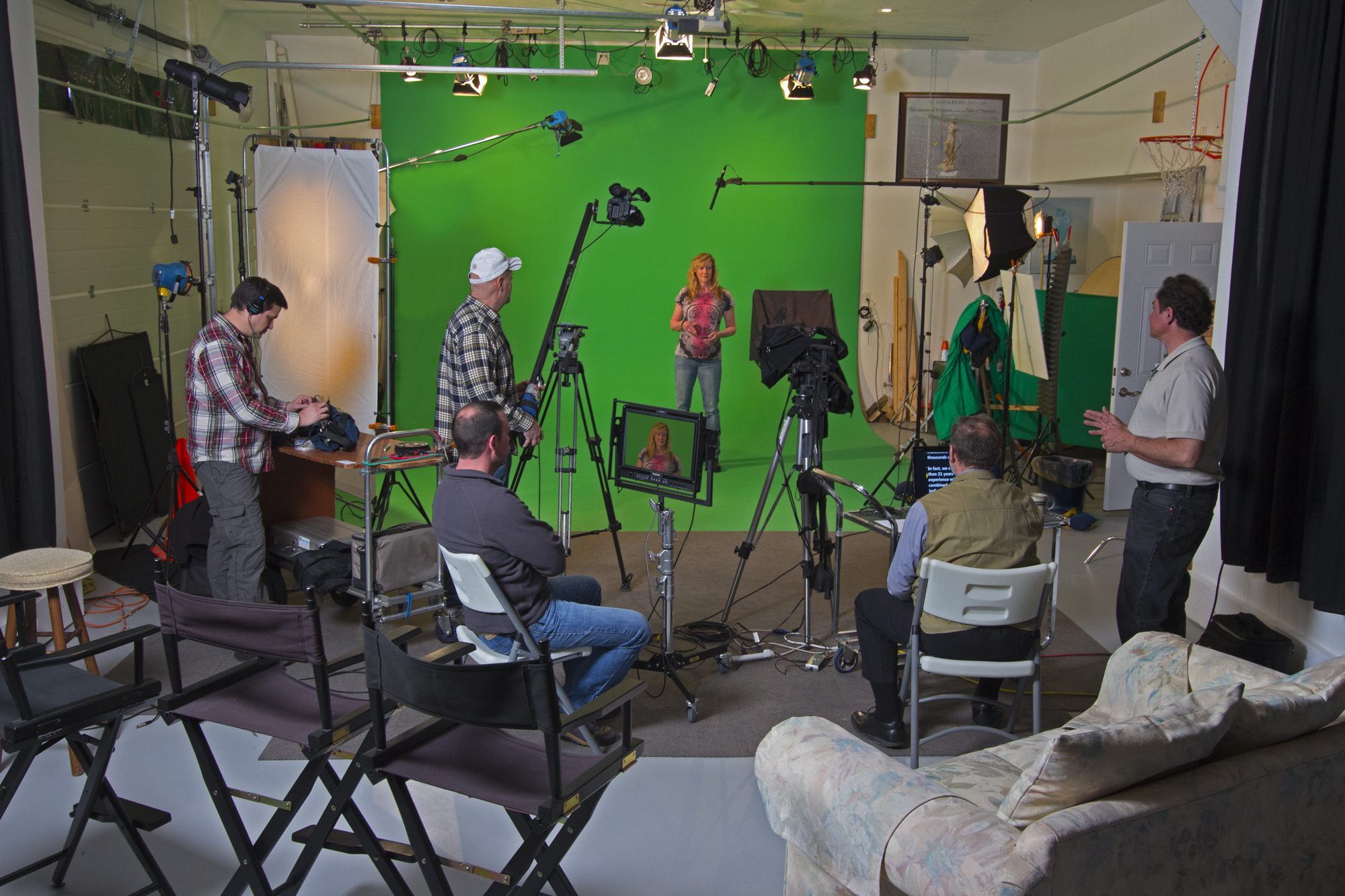
Our private studio lighting and visual setup is perfect for small productions and interview scenes, and our studio is large enough to incorporate props to round out your set. We support every aspect of your production—from setting up a private, custom interview studio to supplying professional sound and camera operators, as well as providing the right equipment—ensuring your next video production is seamless and successful. We can even fly our specialized drones indoors for unique, dynamic shots.

Ready to maximize your visual content investment?

Would you like to schedule a consultation to discuss how we can customize a cost-effective video and photography package for your next campaign?
stlouiscommercialvideo@gmail.com

 314-913-5626

Ask With Purpose: 42 Questions That Make Business Video Interviews Work Harder

Great business interviews do more than capture quotes—they surface proof. The right prompts unlock stories that buyers trust, employees rally around, and stakeholders remember. After decades producing interviews for organizations across industries, we’ve learned that outcomes hinge on three things: preparation, sequencing, and questions designed for use in edit.

Below is a practical, field-tested blueprint you can hand to your producer or internal team to create interviews that are candid, brand-safe, and commercially effective.


Start With Strategy (so your questions have a job)

Define the job of the interview before you write a single question.

  • Audience: Who must be convinced (CFO, operator, buyer, recruit, regulator)?
  • Objective: Move someone to do what next (schedule a demo, sign, adopt, renew, comply)?
  • Channels: Where will it run (product page, sales deck, recruiting, training, social)?
  • Claims to prove: What 2–3 points need evidence (time saved, risk reduced, quality improved)?
  • Constraints: Legal/compliance, locations, who can be on camera, what can be shown.

Translate those answers into a story spine you’ll guide every interviewee through:

  1. Credibility → 2) Stakes → 3) Choice → 4) Execution → 5) Outcomes → 6) Advocacy

The 42-Question Bank (organized for business use)

Use these as modular prompts. Ask one idea per question. Leave a second of silence after good answers—people often add the best detail after the pause.

A) Establish Credibility (5)

  1. Please state your name, title, and what success looks like in your role.
  2. What does your organization do, and who benefits most from your work?
  3. Which metrics are you accountable for (revenue, cost, quality, safety, cycle time)?
  4. Where were you in your growth or change cycle when this became urgent?
  5. What made this initiative a now-not-later priority?

B) Make the “Before” Tangible (6)

  1. What did “a normal week” look like before we addressed this?
  2. What had you already tried, and why didn’t it stick?
  3. Who felt the pain most (customers, staff, leadership), and how did it show up?
  4. What risks were accumulating (brand, compliance, operational, financial)?
  5. What was the cost of doing nothing for another quarter?
  6. Summarize the old state in one sentence.

C) Why You Chose This Solution/Vendor (6)

  1. What criteria were on your shortlist when you evaluated options?
  2. Which alternatives did you compare, and how did you weigh trade-offs?
  3. What concerns or objections did you have, and how were they resolved?
  4. What did our discovery or proposal surface that others missed?
  5. How did our approach reduce risk or internal workload?
  6. In one line, the deciding factor was ___.

D) Execution & Change Management (7)

  1. What did kickoff look like—clarity of owners, timelines, approvals?
  2. Describe the production or implementation experience from your side.
  3. Tell me about a curveball and how the team handled it.
  4. Where did we save you time, budget, or coordination effort?
  5. How did we protect brand/compliance while moving fast?
  6. What did your people say after day one on set (or week one in rollout)?
  7. If you were advising a peer, how should they prepare to get the most value?

E) Outcomes & Evidence (7)

  1. What changed first—what early win told you this was working?
  2. Quantify results if you can (conversion, leads, cycle time, training completion, incident rate, NPS, brand lift).
  3. Which outcome mattered most to leadership—and why?
  4. What did end users or customers notice and repeat back to you?
  5. How does this compare to previous vendors or internal attempts?
  6. What single result would have justified the investment by itself?
  7. If this disappeared tomorrow, what would break?

F) Vertical/Use-Case Specifics (pick 3–5)

Manufacturing/Operations:
32. What defects, downtime, or rework did this help reduce?
Healthcare/Life Sciences:
33. How did we handle PHI, consent, or on-site clearance?
SaaS/Tech:
34. What adoption or time-to-value did you see across teams?
Construction/Field Services:
35. How did we capture sites safely and with minimal disruption? (We can fly specialized drones indoors when appropriate.)
Professional Services/Finance:
36. How did we navigate approvals and protect sensitive information?

G) Advocacy & Future (6)

  1. What would you tell a CFO who’s skeptical about ROI?
  2. What would you tell a compliance or legal lead about risk management?
  3. Would you recommend us—why, and to whom?
  4. What should a new client know on day one to accelerate success?
  5. Where will you expand this next (more teams, markets, use cases)?
  6. Finish this: “Working with St Louis Commercial Video is like ___.”

Sequencing That Keeps Energy High

  • Start with easy credibility questions, then escalate to stakes.
  • Move into choice once trust is built, then execution while memory is fresh.
  • Save outcomes and soundbites for last; people get more confident as they talk.
  • Capture b-roll immediately after the interview while access and momentum are intact.

On-Camera Coaching (protect authenticity without scripting)

  • Answer with context: “Before we partnered with St Louis Commercial Video, we…”
  • Plain language beats jargon; define acronyms once for captions.
  • Present tense adds energy: “This reduces training time by…”
  • Posture and pacing: shoulders relaxed, chin level, pause before key phrases.
  • Wardrobe: avoid tight patterns and unapproved logos; bring one backup option.

Production Craft Notes (the details your audience actually sees)

  • Audio: Dual-system sound (lav + boom). Check levels every setup and capture room tone.
  • Lighting: Key/fill/rim for separation; add negative fill to sculpt; practicals for depth.
  • Backgrounds: Choose environments that say something about the work; secure clearance for any third-party marks.
  • Motion: Use controlled dolly moves or, where appropriate, fly specialized drones indoors for dynamic establishing shots—safely and legally.
  • Continuity: Keep a quick log of strong quotes and matching b-roll needs for the edit.

AI-Accelerated Post (speed without spin)

Use AI to remove friction, not fabricate claims.

  • Automated transcription for paper edits and fast selects.
  • Smart cleanup (um removal, gentle noise reduction) to preserve natural voice.
  • Brand-matched captions and color pipelines for consistency and accessibility.
  • Cutdown automation to deliver 15/30/60/120-second versions in square/vertical for social and sales.
  • Provenance and releases tracked; disclose any generative elements (e.g., background extensions) when used.

Distribution & Measurement (so the asset actually sells)

  • Owned: Product/pricing pages, case studies, onboarding. Include transcripts for search.
  • Sales enablement: Captioned versions plus a time-coded summary of claims for reps.
  • Lifecycle: Insert 30–45 sec cuts into nurture streams and renewal plays.
  • Paid & social: Hook in the first 2–3 seconds; strong thumbnail with a quote; single CTA end card.
  • Events/PR: 10–15 sec punch quotes for booths, analyst briefings, award entries.
  • Measure: Plays, completion, meeting-set rate, assisted conversions, influenced pipeline. Refresh annually or when metrics plateau.

Print-Ready Checklists

Pre-Production

  • Audience, objective, claims defined and approved
  • Interviewee brief sent; wardrobe/location confirmed
  • Releases and permissions cleared; compliance path mapped
  • Question set tailored to role and vertical
  • Shot list for b-roll, including access and safety notes

Day-Of

  • Redundant audio; lighting built for separation
  • Quiet set; signage for privacy
  • Continuity log started; note pull-quotes
  • Layered b-roll: wide → medium → tight → reactions

Post

  • Transcribe; paper edit against story spine
  • AI-assisted cleanup, captions, color; QC pass
  • Master + cutdowns + aspect ratio variants
  • Distribution plan with KPIs; analytics tags applied

About St Louis Commercial Video

St Louis Commercial Video is a full-service professional commercial photography and video production company with the right equipment and creative crew service experience for successful image acquisition. We offer full-service studio and location video and photography, as well as editing, post-production and licensed drone pilots. St Louis Commercial Video can customize your productions for diverse types of media requirements. Repurposing your photography and video branding to gain more traction is another specialty. We are well-versed in all file types and styles of media and accompanying software. We use the latest in Artificial Intelligence for all our media services. Our private studio lighting and visual setup is perfect for small productions and interview scenes, and our studio is large enough to incorporate props to round out your set. We support every aspect of your production—from setting up a private, custom interview studio to supplying professional sound and camera operators, as well as providing the right equipment—ensuring your next video production is seamless and successful. We can fly our specialized drones indoors. As a full-service video and photography production corporation, since 1982, St Louis Commercial Video has worked with many businesses, marketing firms and creative agencies in the St. Louis area for their marketing photography and video. When you’re ready to turn interviews into measurable business outcomes, we’re ready to roll.

stlouiscommercialvideo@gmail.com

 314-913-5626

How Long Should Your Customer Testimonials Be?

Finding the Perfect Balance for Impactful Brand Storytelling

Customer Testimonials: The Unsung Heroes of Brand Trust

In the realm of corporate marketing, customer testimonials are a powerful form of social proof. When executed well, they communicate authenticity, trust, and satisfaction—all through the lens of your customer’s experience. But one of the most frequent and important questions we hear at St Louis Commercial Video Production is: “How long should our customer testimonials be?”

The answer, like most things in media production, is strategic. The ideal length depends on your marketing goals, the platform where the content will live, and how deep your audience wants to go. In this post, we’ll break down optimal lengths for testimonial videos across different use cases, and offer best practices to ensure every second adds value.


Short and Sweet: 30 to 60 Seconds

If your testimonial is destined for paid advertising, social media, or website headers, aim for 30 to 60 seconds. This format is great for grabbing attention and sparking interest. In just under a minute, the testimonial should answer:

  • Who the client is
  • What problem they faced
  • How your company helped
  • What result or benefit they gained

These micro-testimonials are perfect for YouTube pre-roll ads, Instagram stories, or as looping banner content on landing pages.


Medium-Form: 1 to 2.5 Minutes

For more in-depth storytelling on your website, email campaigns, or organic social, the sweet spot lies between 60 and 150 seconds. This gives your client enough time to develop their story without losing viewer attention. This is the most versatile format—it’s engaging, digestible, and ideal for conversion-focused content.

In this length, you can explore:

  • Emotional drivers
  • Challenges faced
  • Your unique process
  • Tangible results
  • A compelling closing remark or call to action

This format is ideal for B2B audiences or buyers who require more information before making a decision.


Long-Form Testimonials: 3 to 5+ Minutes

Long-form testimonials work when the viewer is already invested—often during mid-to-late stages of the buyer’s journey or in presentation decks, investor meetings, or trade show exhibits.

These testimonials:

  • Explore deeper narratives
  • Allow room for anecdotes and behind-the-scenes footage
  • Establish trust with high-ticket or complex services

However, long-form shouldn’t mean rambling. Clear structure, intentional editing, and focused messaging are essential to keeping your audience engaged.


Tips to Make Any Length Work:

Regardless of the duration, follow these best practices:

  1. Know Your Audience: Tailor tone, pacing, and content style to match the expectations of your viewer.
  2. Script the Structure, Not the Words: Keep it authentic by guiding the narrative without feeding lines.
  3. Use B-Roll Strategically: Support the voiceover with relevant, high-quality visuals that add dimension and credibility.
  4. Professional Production Quality Matters: Crisp audio, clean lighting, and intentional framing enhance the impact of your message.
  5. Make Repurposing Easy: Edit into multiple formats—snippets for social, trailers for ads, full versions for presentations.

Why Partner with St Louis Commercial Video Production

At St Louis Commercial Video Production, we’ve been crafting compelling customer testimonial videos since 1982. As a full-service professional commercial photography and video production company, we bring decades of experience and creativity to every project. Whether it’s in-studio or on-location, our team is equipped with everything you need to make your customer’s voice shine.

We provide:

  • Studio and location video and photography
  • Editing, post-production, and licensed drone pilots
  • AI-enhanced services for smarter content strategy
  • Expert lighting and private studio setup for clean, polished visuals
  • Custom interview setups and operator teams
  • Full-service indoor drone capability for immersive shots
  • Repurposing strategies to get more life out of your content

Our commitment to customized production means we meet you where you are—whether that’s a 30-second sizzle reel or a five-minute case study. We’re well-versed in all file types and styles of media, ensuring seamless delivery for all your marketing needs.

Let us help you tell your customer stories in a way that’s not only seen—but remembered.


Ready to get started?
Contact St Louis Commercial Video Production today and let’s make your next testimonial video your most powerful marketing tool yet.

stlouiscommercialvideo@gmail.com

 314-913-5626

How to Create a Day in the Life Video for Your Product or Service: Tips and Strategies for Engaging Content.

Tips for creating an engaging day in the life video

– Start with the end in mind – Create an outline or storyboard of your day in the life video before you start filming. Having a plan will help you stay on track and avoid getting off track. It’s easy to get wrapped up in the filming process and forget why you’re capturing the footage in the first place. Having an outline will help you stay focused on your goal. – Make sure you have permission to film – Be sure to get permission to film in any location you plan to shoot in. It’s not only disrespectful but illegal to film in private places without permission. Be sure to check your local laws as well before filming. You don’t want to be in a sticky situation with authorities. – Cast a real person in your video – You don’t have to cast a professional actor, but you do want to cast a real person in your video. If you cast a professional actor, people will be less likely to relate to your video and the message you are trying to convey. If you cast a real person, customers will be able to relate to the person in your video, and the message you are trying to convey. – Create visual and concise content – Don’t make your video too long, but don’t make it too short either. If your video is too long, people will get bored and stop watching. If your video is too short, people won’t have enough information and may not be inspired to take action. Shoot for a video that is between 3 and 5 minutes long.

Storyboarding and scripting your day in the life video

Before you start filming, it’s important to sketch out your storyboard. A storyboard is a visual representation of your video, and it will help you create an effective video. It will also help you stay on track while shooting your video. You can create a storyboard using a tool like Google Drawing or with paper and pencil. It’s important to sketch out your storyboard before you start filming because it will help you stay focused and on track. Once you have your storyboard, it’s time to start scripting your video. It’s important to script your video because it will help you convey the message you are trying to get across to your audience more effectively. It will help you avoid rambling and stringing words together without any direction or focus. It will also help you avoid getting off track during the shoot.

Selecting the right equipment

– Camera – Any camera will do, but it’s important to use a camera that is easy to use. You want to avoid unnecessary distractions while you’re filming your day in the life video. Be sure to pick a camera that is easy to use and will allow you to film in different environments. If you plan to film outside, you will want a camera that can handle different weather conditions. – Sound equipment – The sound quality of your day in the life video will have a big impact on the overall quality of your video. If your sound quality is poor, your video may not be engaging or effective. It’s important to pick the right equipment to ensure the sound quality of your video is high-quality. You don’t need a lot of expensive equipment to ensure your sound quality is good. – Lighting equipment – Poor lighting can ruin the quality of your day in the life video. You don’t have to have fancy lights, but you do want to make sure you have enough light to film in. You don’t want your video to be too dark because it will be hard to see what’s going on in the video. It’s important to pick the right equipment to ensure your day in the life video is well-lit.

Choosing the right locations

– Pick a location that represents your brand – Before you pick a location, you want to make sure it represents your brand. You want to pick a location that represents your brand, and will help your brand come to life. – Pick a location that will make your video engaging – You don’t have to shoot in a fancy location. You just need to shoot in a location that will make your video engaging. Pick an interesting location that will make your day in the life video more engaging for your audience. – Pick a location that is easy to access – You don’t want to pick a location that is hard to access. You want to make your job as easy as possible. It’s important to pick a location that is easy to access.

Building relationships with your audience

When you create a day in the life video, you are showcasing the people who are using your product or service. It’s an intimate glimpse into the lives of your customers, and it shows them as real people with real stories to tell. The video gives your audience a chance to connect with your brand on a more personal level. You can use your day in the life video to ask your customers questions, and ask them how they use your product or service. It’s a great way to start a dialogue with your audience. You can also invite members of the audience to be a part of the video by asking them to participate in the shoot. It’s a great way to build relationships with your audience, and give them an opportunity to be a part of your video.

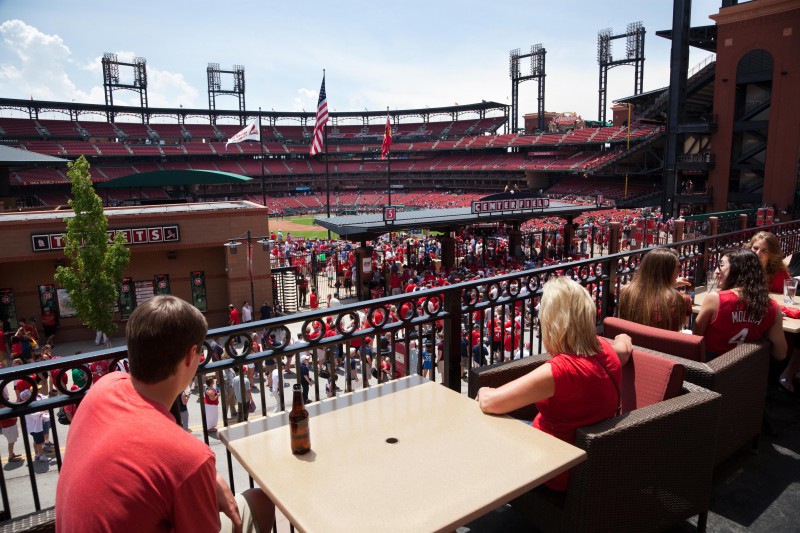
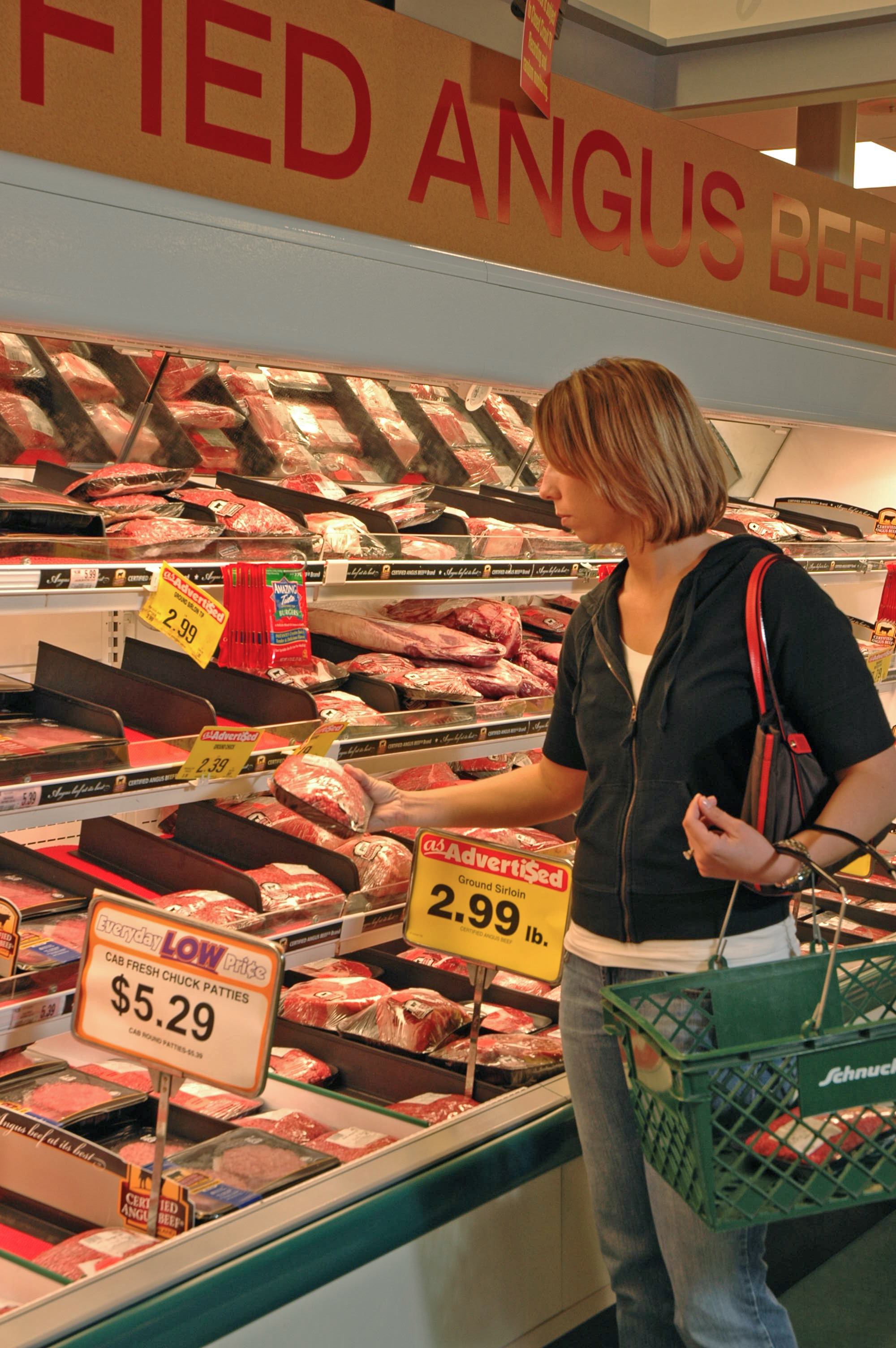
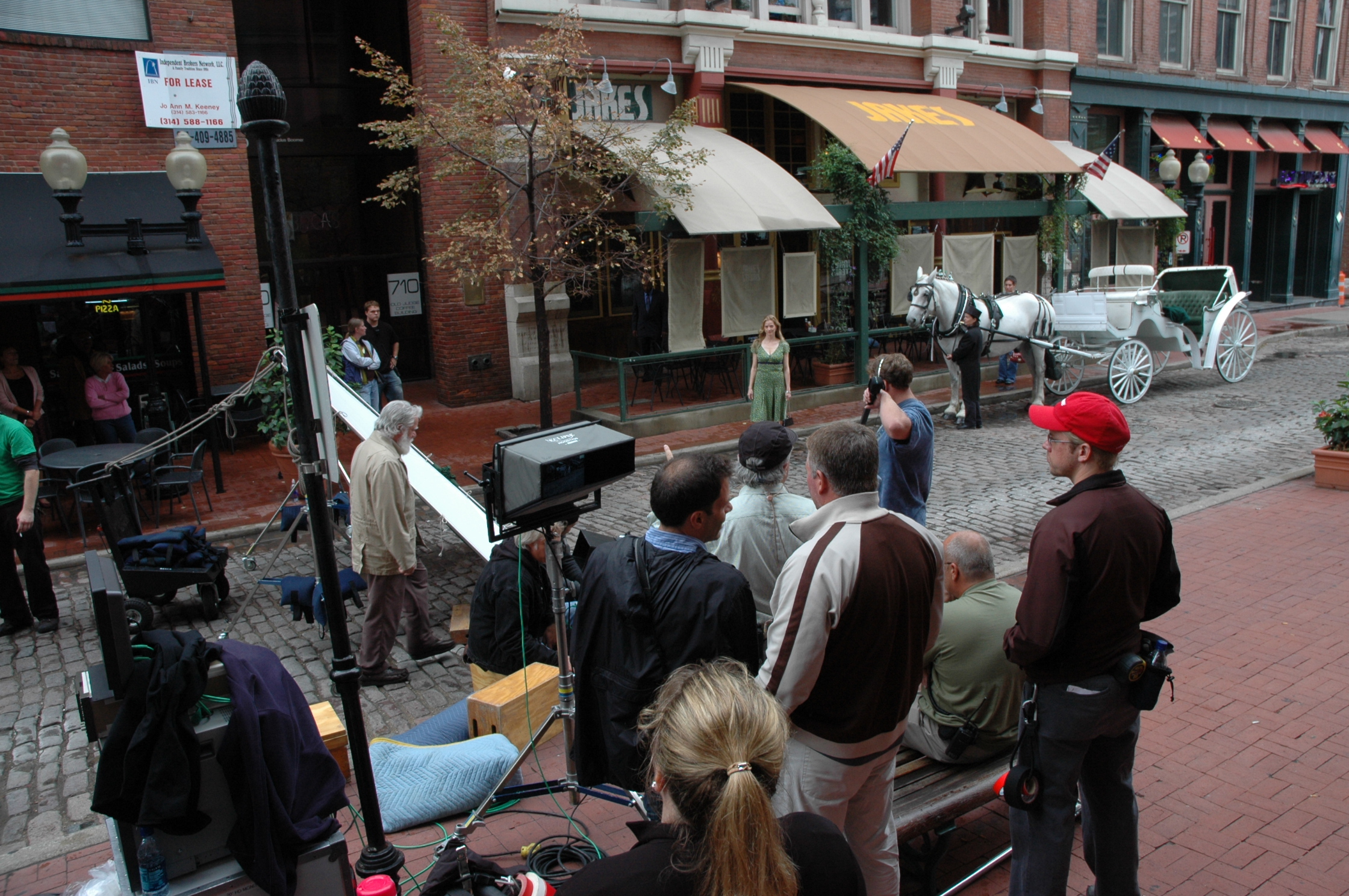
Shooting a Day-In-The-Life film to edit for the web and broadcast commercials

Driving sales through day-in-the-life videos

Once you’re done creating your day in the life video, you can use the video to drive sales. You can create a blog post or an email sequence around your video. You can use the blog post or email sequence to drive traffic to your video, which will help you drive sales. The blog post or email sequence can be used as additional content to go along with your day in the life video. The content can be used to help you sell your product or service, and drive sales. Blog posts and email sequences are great ways to use your day-in-the-life video.

Mike Haller
314-913-5626 stlouiscommercialvideo@gmail.com