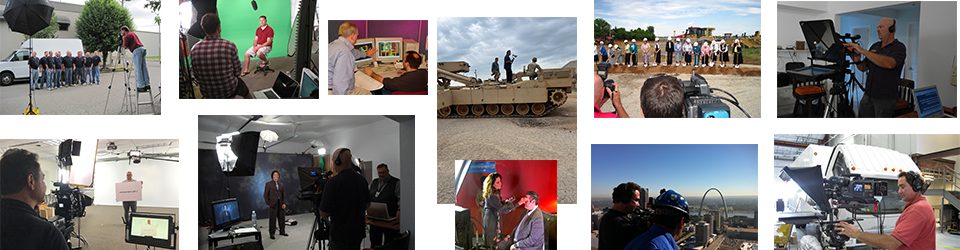
Company training videos have emerged as a powerful tool to impart knowledge and skills to employees, clients, and partners. These videos can streamline the training process, ensuring consistency and scalability. However, creating compelling and engaging training videos requires more than just recording footage; it demands effective editing techniques. In this comprehensive guide, we’ll delve into the world of editing techniques for company training videos. As an experienced video production company based in St. Louis, St Louis Commercial Video Production is here to share its knowledge and expertise in creating impactful training videos.
Why Are Training Videos Important?
Before we dive into editing techniques, let’s understand why training videos are crucial for businesses today. Training videos offer several advantages over traditional training methods:
- Consistency: With video, you can ensure that every employee receives the same information in the same format, eliminating discrepancies in training delivery.
- Accessibility: Training videos can be accessed anytime, anywhere, making them ideal for remote and on-demand learning.
- Engagement: Well-produced videos are more engaging than text-heavy manuals or presentations, increasing knowledge retention.
- Scalability: Videos can be used for training large groups of employees without significant increases in resources.
- Cost-Efficiency: While the initial investment in video production may seem high, it pays off in the long run by reducing training costs and improving efficiency.
The Art of Editing in Training Videos
Editing is the cornerstone of creating effective training videos. It’s not just about trimming unnecessary footage; it’s about crafting a seamless and engaging narrative that keeps viewers’ attention. Let’s explore some editing techniques that can elevate your company training videos.
1. Storyboarding and Planning
Before you start editing, it’s essential to have a clear plan in place. Storyboarding helps you outline the structure of your video, including the main topics, subtopics, and how they flow together. It’s like creating a roadmap for your video editing journey.
Pro Tip: Use this planning phase to identify any gaps in your content or areas where additional footage or explanations are needed.



2. Cutting Unnecessary Content
One of the primary goals of editing is to trim the fat and remove any unnecessary content. This includes long pauses, mistakes, or off-topic discussions. Keep in mind that attention spans are limited, especially in training environments. Your editing should focus on delivering the essential information efficiently.
Pro Tip: When cutting content, use smooth transitions to avoid abrupt jumps in the video.
3. Adding Graphics and Text
Visual aids can enhance understanding and engagement in training videos. Consider incorporating graphics, text overlays, and animations to emphasize key points or highlight important information.
Pro Tip: Ensure that any text or graphics used are consistent with your company’s branding and style guidelines.
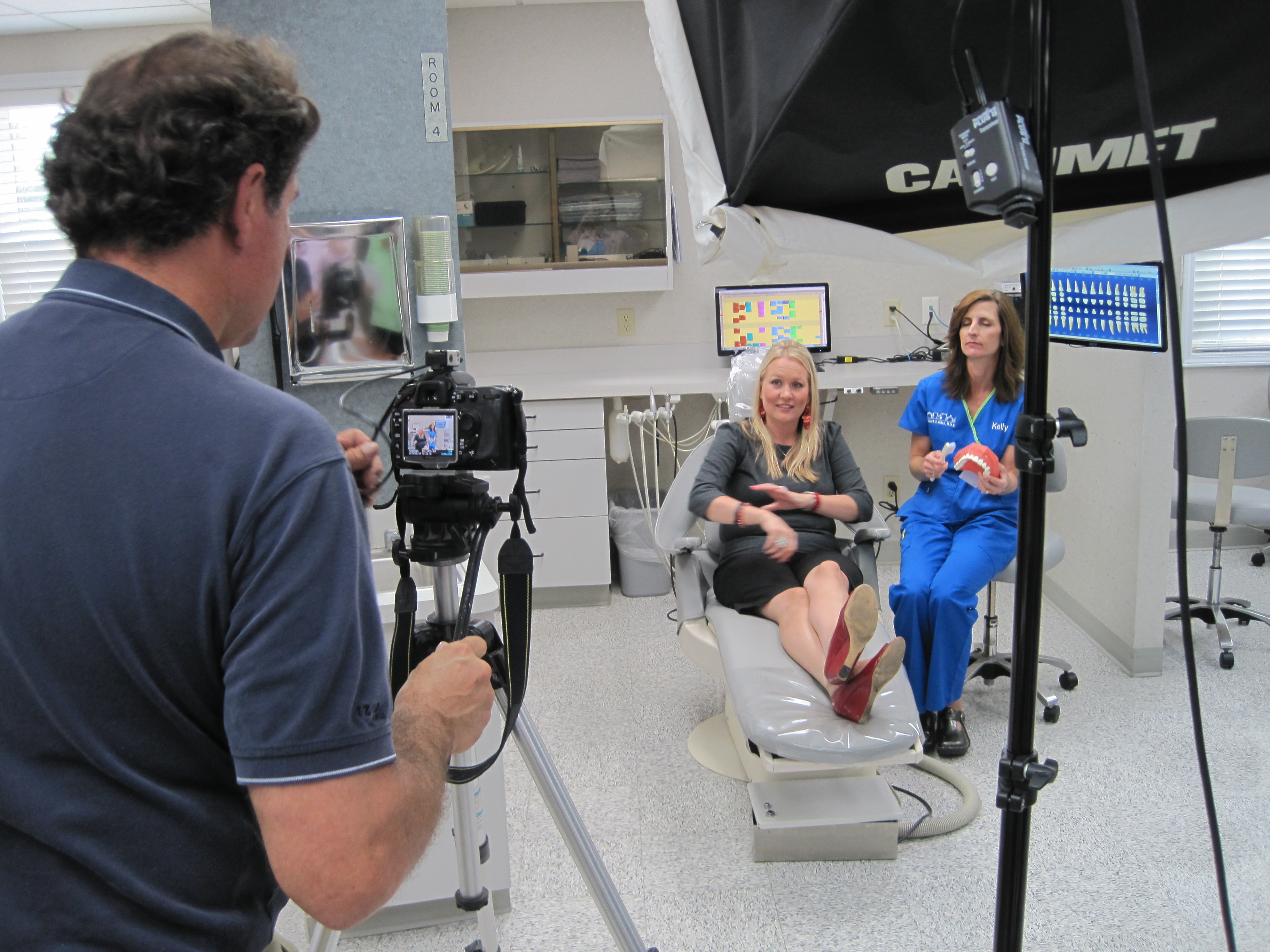
4. Using Multiple Camera Angles
If you have multiple camera angles available, using them strategically can make your training video more dynamic. Switching between angles during demonstrations or interviews can provide a more comprehensive view of the subject matter.
Pro Tip: Plan camera angle changes during the storyboard phase to ensure they align with the content flow.
5. Applying Transitions
Transitions help smooth the shift between different scenes or topics in your training video. Common transitions include cuts, fades, wipes, and dissolves. Choosing the right transition style can enhance the overall viewing experience.
Pro Tip: Avoid overusing flashy transitions, as they can distract from the content.
6. Adding Background Music
Background music can set the tone and mood for your training video. It can make the content more engaging and enjoyable to watch. However, be mindful of the volume and genre of music, ensuring it complements the subject matter.
Pro Tip: Use royalty-free music to avoid copyright issues.
7. Incorporating B-Roll Footage
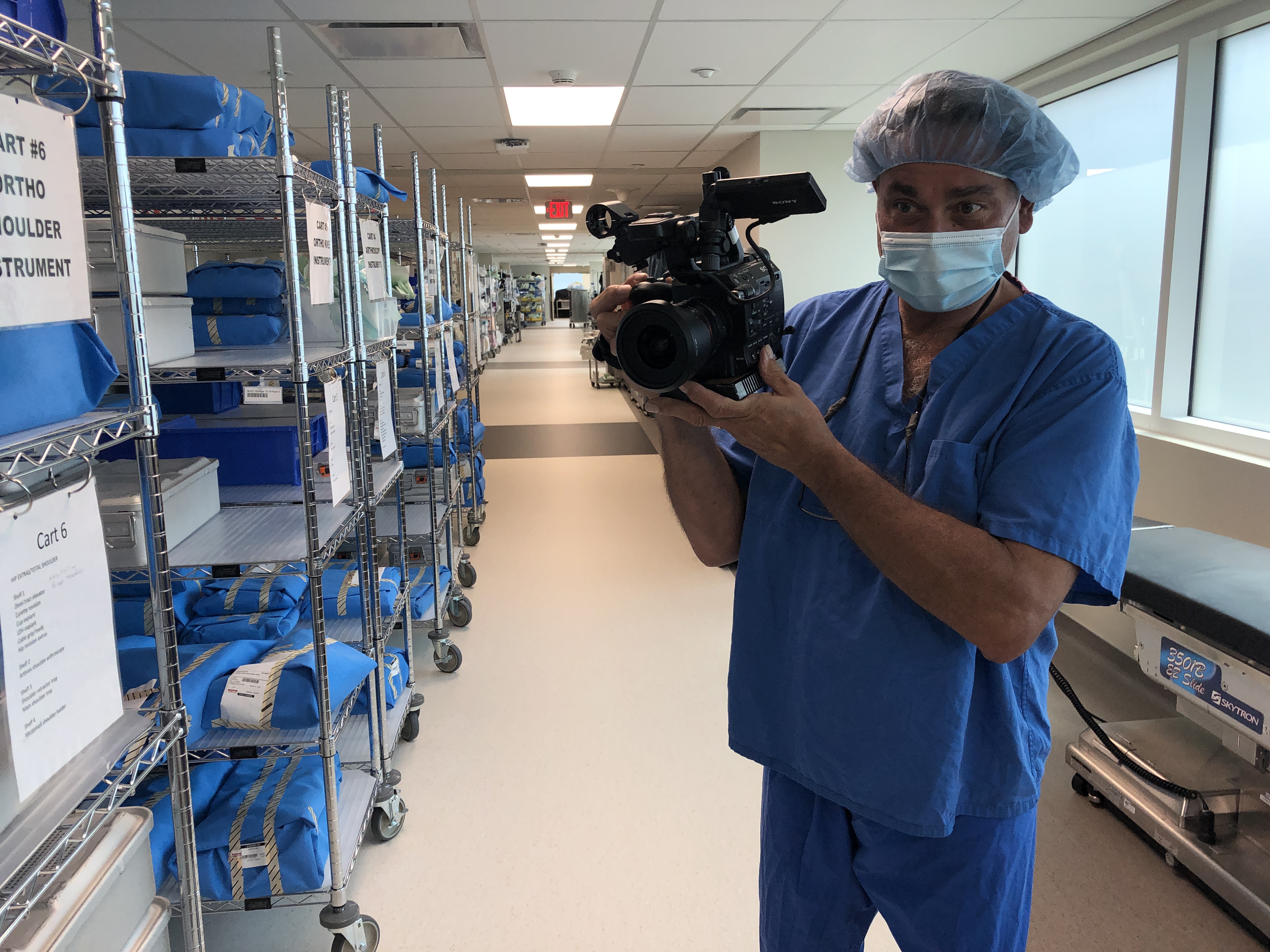
B-Roll footage consists of additional shots that are not the primary focus but complement the main content. It can include close-ups, cutaways, or relevant visuals that add depth and context to your training video.
Pro Tip: Plan and gather B-Roll footage during the video production stage to ensure you have relevant shots for editing.
8. Optimizing Audio Quality
Clear and crisp audio is crucial in training videos. Ensure that the voiceovers or narrations are well-recorded and free from background noise. Use audio editing tools to enhance and normalize audio levels.
Pro Tip: Invest in quality microphones and recording equipment for better audio quality from the start.
9. Adding Captions and Subtitles
Including captions or subtitles in your training videos can make them more accessible to a broader audience, including those with hearing impairments or those watching without sound.
Pro Tip: Use accurate and error-free transcriptions for captioning.
10. Quality Control and Review
After completing the initial edit, it’s essential to review your training video carefully. Look for any inconsistencies, errors, or areas that may need improvement. Consider gathering feedback from a test audience or colleagues to ensure the video meets its training objectives.
Pro Tip: Don’t rush the review process; take the time to make necessary adjustments.
How St Louis Commercial Video Production Can Help
As a creative video production company, St Louis Commercial Video Production has been serving businesses and organizations in the St. Louis area since 1982. Our extensive experience in video production, including training videos, makes us the ideal partner for your training needs.
Here’s how we can assist your business with training video production:
- Expertise in Shooting and Editing Training Videos: With decades of experience, we understand the nuances of creating effective training videos. We excel in capturing the right shots and editing them into cohesive, engaging narratives.
- B-Roll Mastery: We know the importance of B-Roll footage in enhancing the training process. Our team is skilled at gathering relevant B-Roll shots that complement your content seamlessly.
- Full-Service Video Production: St Louis Commercial Video Production is a full-service video production company. We handle all aspects of video production, from concept development and scripting to shooting, editing, and post-production.
- Tailored Solutions: We understand that every business has unique training needs. Our approach is customized to meet your specific goals, ensuring that your training videos align with your company culture and objectives.
- State-of-the-Art Equipment: We utilize the latest video production equipment and technologies to deliver high-quality training videos that resonate with your audience.
Partnering with St Louis Commercial Video Production means gaining a dedicated team of professionals committed to helping your business succeed through effective training videos.
Conclusion
Effective training videos are the result of careful planning and skilled video editing. By employing the editing techniques discussed in this guide, you can create training videos that engage, inform, and empower your audience. Remember that St Louis Commercial Video Production is here to assist you with all your training video needs. Our experience and expertise in the field can elevate your training materials and contribute to the success of your business.
 St Louis Commercial Video Production